Do users need to download the external Zoom app to join live training inside the LMS?
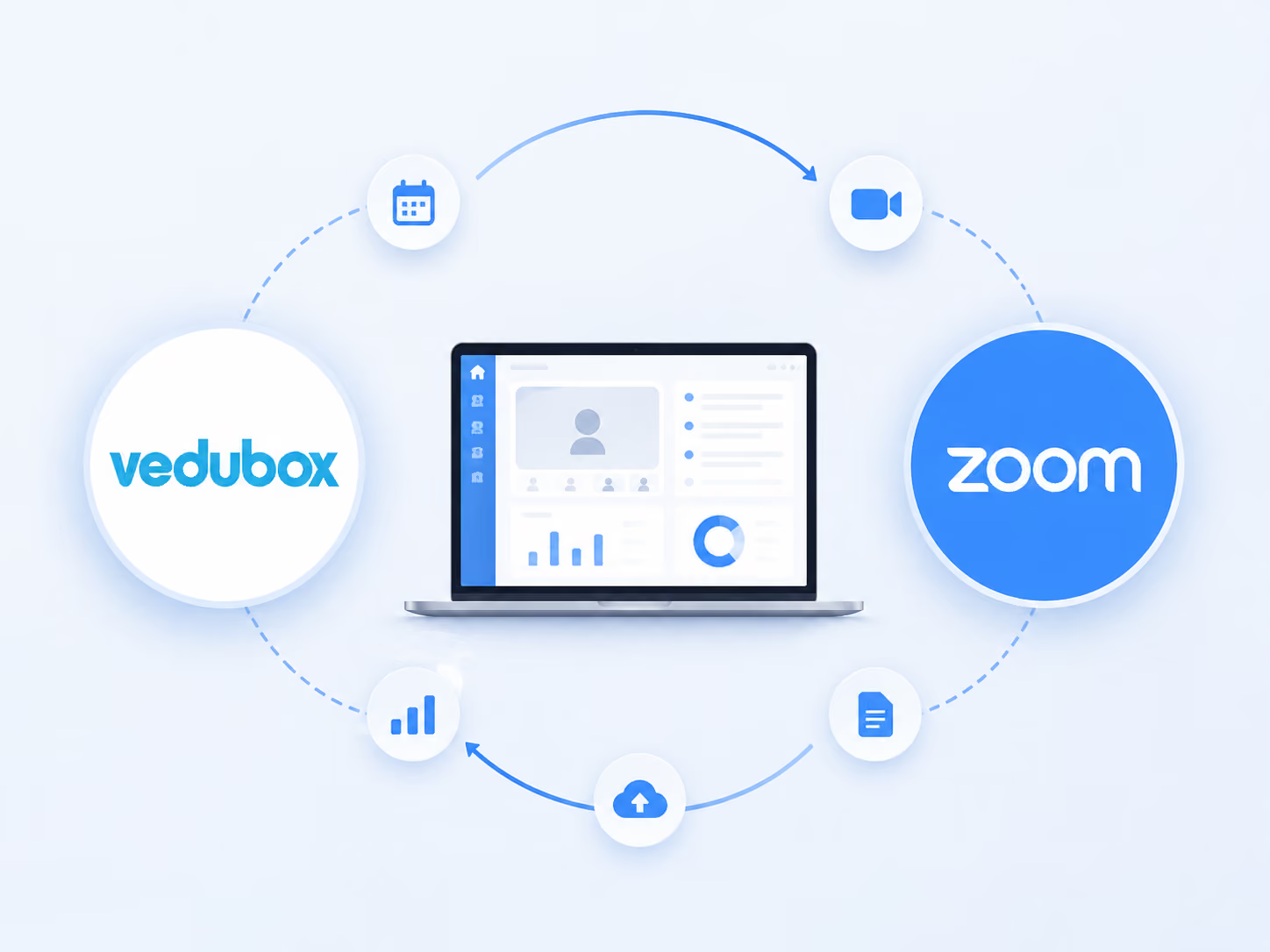
No. The integration is designed to embed Zoom's video infrastructure directly inside our secure browser portal. Learners enter the live module instantly with a single button in their active learning path, with no external login windows to deal with.
How does the system handle lesson recordings and catch-up viewing?
Every live lesson scheduled in Vedubox can be recorded automatically. Once the webinar ends, the recording is processed securely and added to the platform's catch-up library, so registered users can watch a lesson they missed or want to revisit whenever they like.
Can we automate internal calendar and scheduling tasks across particular departments or branches?
Yes. Scheduling a lesson or a recurring corporate induction event inside the integrated LMS curriculum calendar updates the calendars of everyone involved immediately. The platform also sends automatic notifications to registered users through integrated SMS (Netgsm) and email delivery networks.
How does this tracking infrastructure help with audits in highly regulated sectors such as aviation (SHGM) or healthcare (Ministry of Health)?
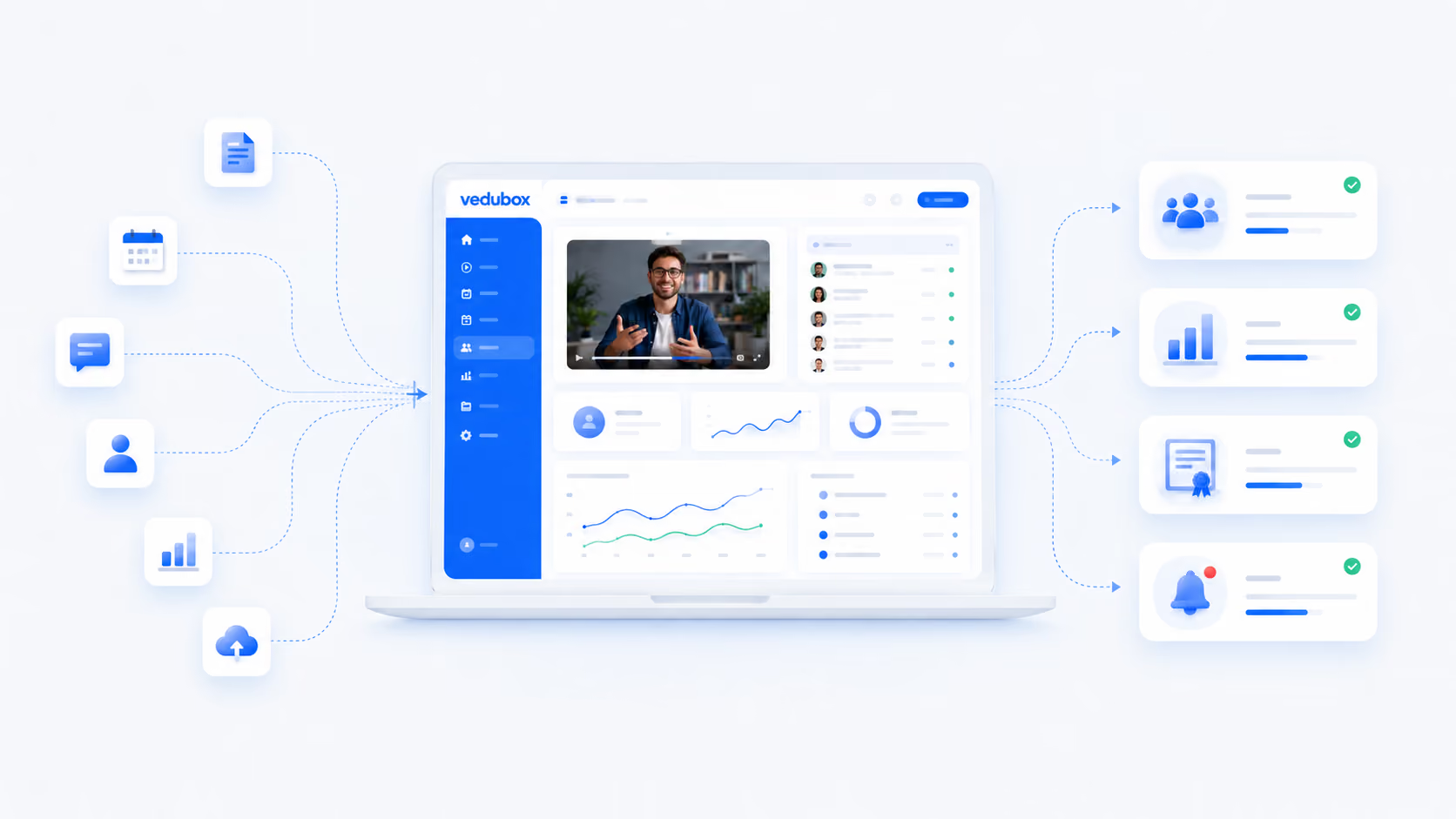
The integration closes the era of record keeping in scattered spreadsheets. Vedubox follows the live learning process continuously and compiles automatic report logs covering net attendance times, user details and attendance status. These logs create an audit-ready digital trail for strict official inspections.
Can we restrict access to lesson replays to particular user groups or permission levels?
Yes. Platform administrators control asset security settings from a white-label panel that matches your corporate identity. Replay videos and lesson documents can be restricted to verified corporate accounts, specific branches, or learners who have purchased from the training store.
Is it possible to set up automatic certificate workflows tied to live webinar attendance metrics?
Yes. Administrators can configure the system to issue an achievement or attendance certificate when a learner reaches a set viewing time or passes an in-lesson exam threshold. These documents are stored on the learner's profile and can be verified through the system with a certificate code.
Will our administrators need external software or technical IT staff to set up Zoom lessons?
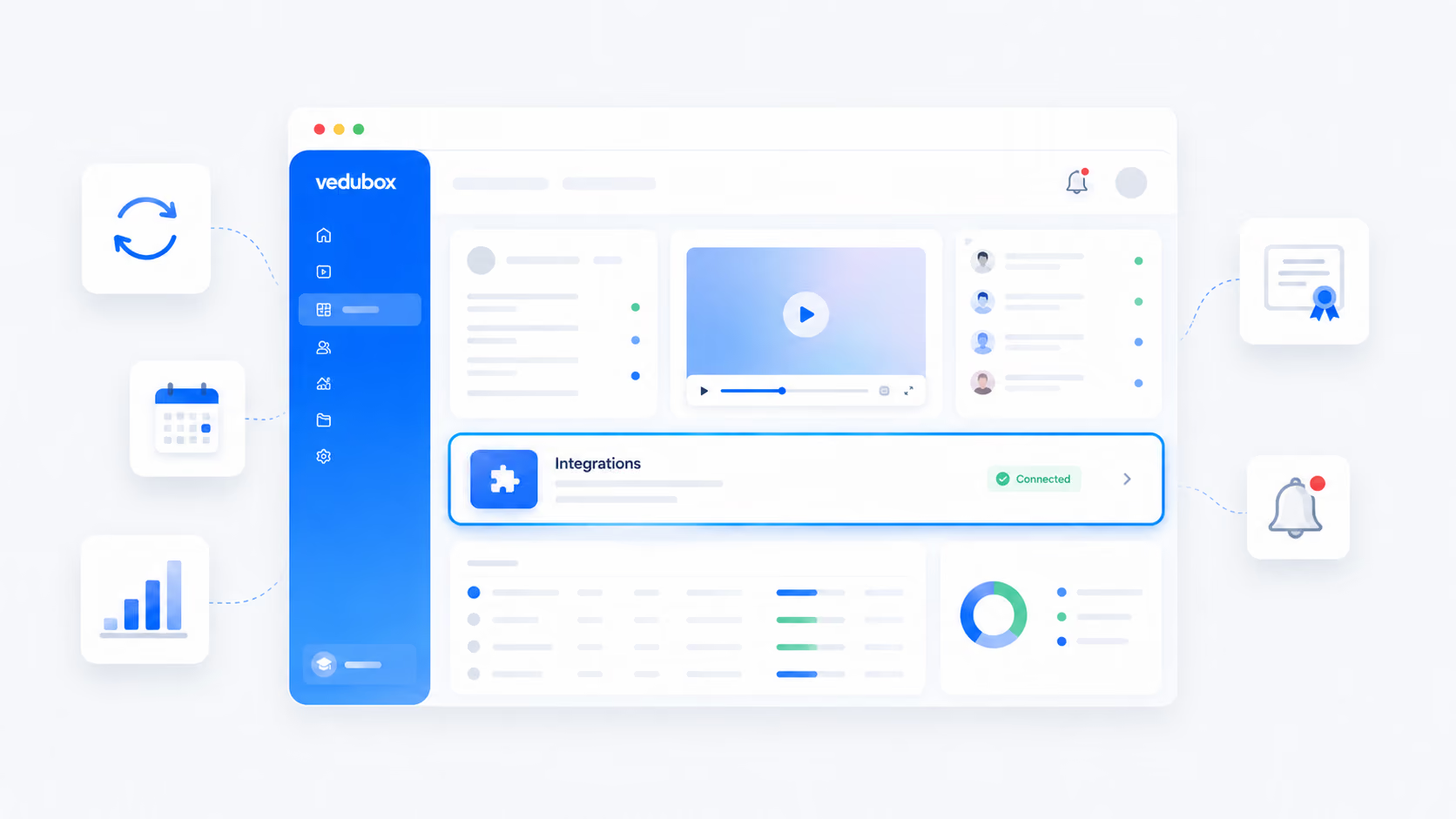
No. Thanks to our cloud-based infrastructure, setup comes ready to use and can go live the same day. Lessons and event parameters are created in one click from a plain interface, with no extra IT headcount or technical maintenance cost.
.svg)