Content and Video

Secure Your Video Training Without Compromising on Quality

Secure, High-Resolution Video Training

Protect training videos made specifically for your organisation with Vedubox's Vimeo integration. High-resolution, ad-free video streams embedded in the player protect your intellectual property while giving your learners a flawless viewing experience.
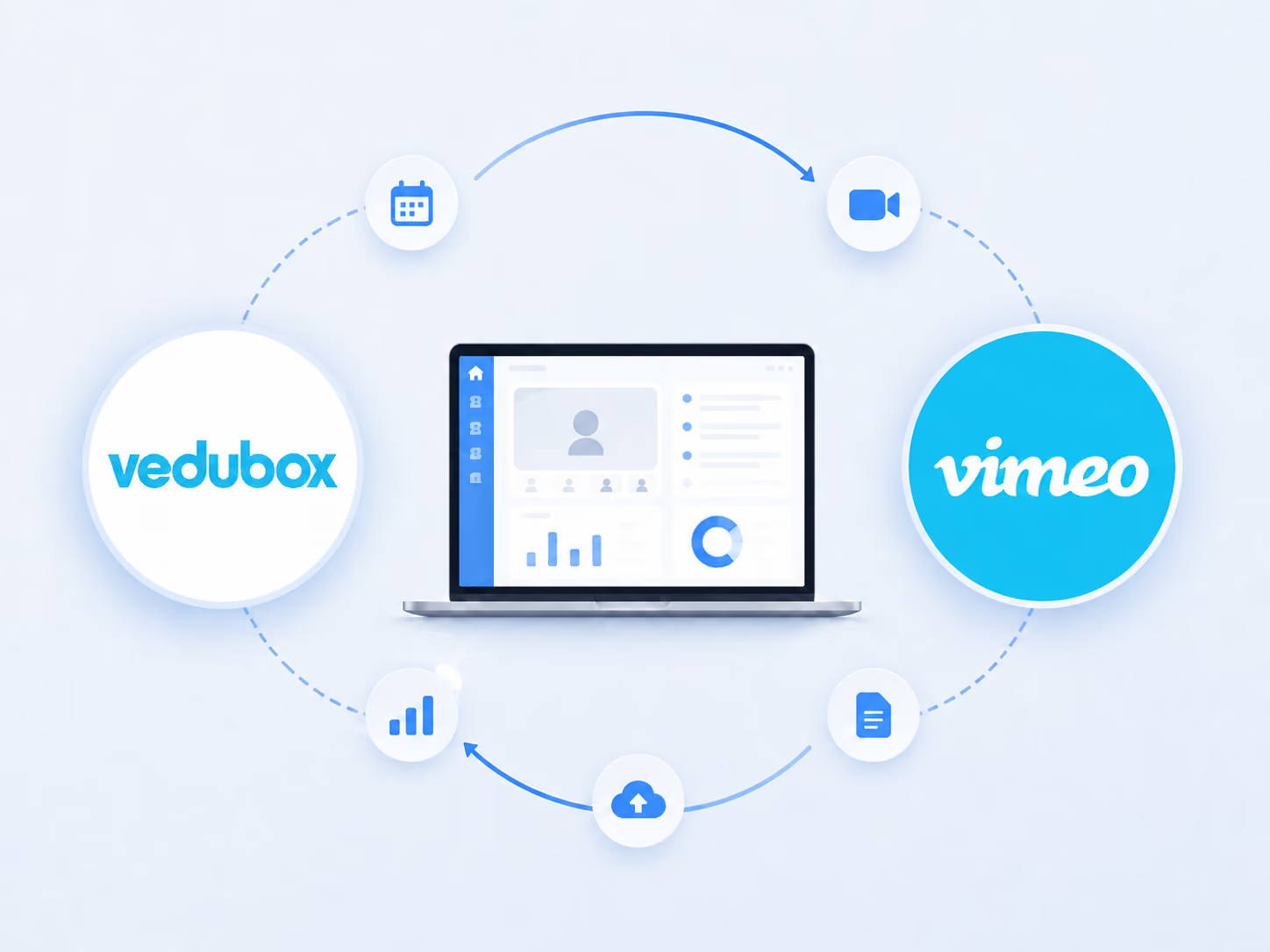
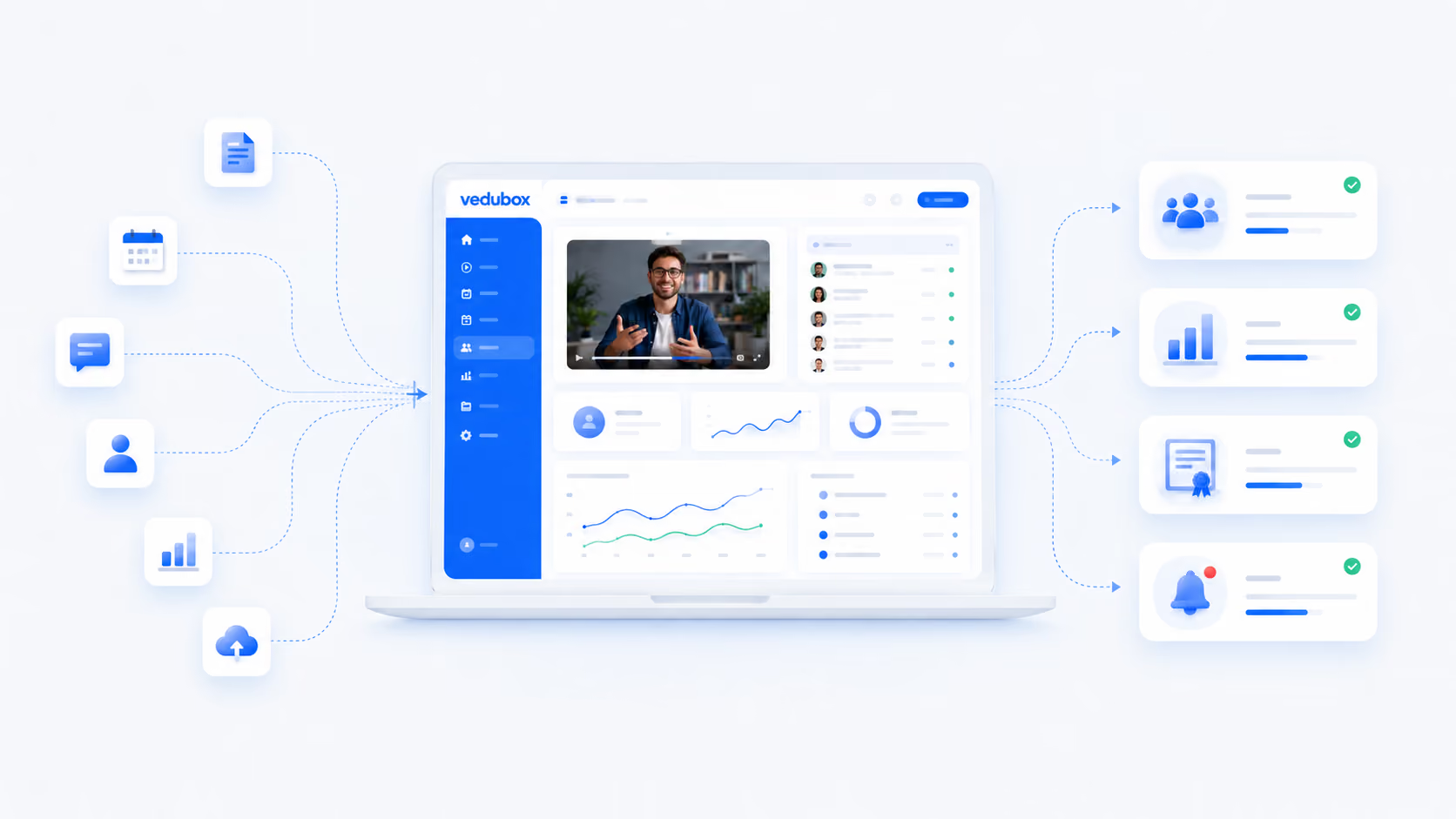
Integration screenshot

Take Full Control of Your Video Content

Relying on standard video links while your employees build their skills puts both your control over your digital assets and your information security at risk.

Content security gap

Restricting viewing permissions by hand on basic video platforms leaves your corporate training videos and proprietary assets open to illegal copying.

A fractured learner experience

Sending users off to public video sites invites distracting banners, competitors' adverts and unexpected interruptions from the platform itself.

Mobile and device optimisation problems

Large video files load slowly on standard mobile networks, pulling learners away from the training and increasing the IT support team's workload.

Lock down content made for your organisation, end ad-driven distraction and guarantee high-performance video streaming on every device. With the Vedubox and Vimeo integration you can reach your training securely from anywhere, at any time.

Discover the Power of the Vedubox + Vimeo Integration

Content creation: instructional designers and trainers can publish interactive modules within seconds by dropping private video links straight into the platform panel, with no raw video files to wrestle with.
Content delivery: learners watch lessons immediately without freezing or buffering, thanks to an advanced player that optimises resolution automatically to their current connection speed.
Content distribution: domain-level locking technology stops your training videos playing on unauthorised external sites. Videos only work in your secure portal, carrying your logo and your brand.
Vedubox screen
Vedubox reporting screen

Keep content protection and tracking running

Access to videos is limited by the training platform's permission rules.
Viewing time is recorded and reported per learner.
Reaching a set viewing percentage can be defined as a completion criterion.
The catch-up library can be restricted by department.
Viewing data can be used in certificate assignment rules.

What to Expect From This Integration

80%
Success in protecting digital assets

Research shows that domain restrictions and private cloud media lines reduce the risk of copyrighted corporate content being shared by unauthorised people by 80%.

30%
Higher course completion rates

Once adverts and external redirects are removed from training videos, course completion rates rise by 30%.

50%
Fewer video loading errors

Moving to advanced cloud content delivery networks (CDNs) halves the freezes and streaming errors people hit during playback.

The figures here indicate a typical improvement expectation; they are not a commitment and will vary with your organisation's existing processes.

Frequently Asked Questions

Can learners download internal training videos to their own computers?

No. The platform uses dedicated security controls to block download access. Your video assets stay secure on the cloud infrastructure and users can only watch this content as a live stream in the training environment they are assigned to.

Is there any risk of adverts appearing at the start or in the middle of our corporate training lessons?

Absolutely not. The system keeps your learning paths entirely ad-free, preventing outside distractions and preserving a professional corporate atmosphere throughout the training period.

How does domain-level locking protect our library?

It stops users sharing video links with people outside the organisation. Even if a video link leaks, the video will not load or play on any website or browser other than your proprietary, branded platform portal.

Do users need to open an external Vimeo account to watch the integrated videos?

No. The viewing experience is built directly into the learner interface. Once users have signed in, they can play every video module without meeting another login or password window.

Can we track how much of a training video an employee actually watched?

Yes. The platform works with the video player infrastructure to track learner progress to the millisecond. Clear reports show you when a user started the video, when they paused and when they finished the module.

Does the video integration work properly on smartphones and tablet screens?

Yes. The advanced video streaming engine adjusts playback output dynamically to the user's screen size and mobile data speed, giving a clear, uninterrupted viewing experience on every device.

Can we split content access permissions between general employee groups and premium training groups?

Yes. System administrators can assign videos to particular courses, departments or subscription packages. That lets you make advanced specialist videos or masterclass content exclusive to authorised staff or to digital customers who have purchased from the training store.

Armour-Plate Your Training Videos With Vedubox

Join more than 350 leading corporate organisations and over 500,000 active users who rely on Vedubox to run their learning ecosystems cleanly, securely and automatically. Connect your favourite everyday tools natively to your learning ecosystem.

Get a step ahead in your training with Vedubox

Whichever tools you use, Vedubox works seamlessly with all of them.

Round-the-clock technical support

Your system is ready in seconds

Vedubox

LMS

Live Training

Exams

Certificates

Academy