Video Conferencing

Connect Microsoft Teams to Your LMS

Meet Automated Corporate Classrooms

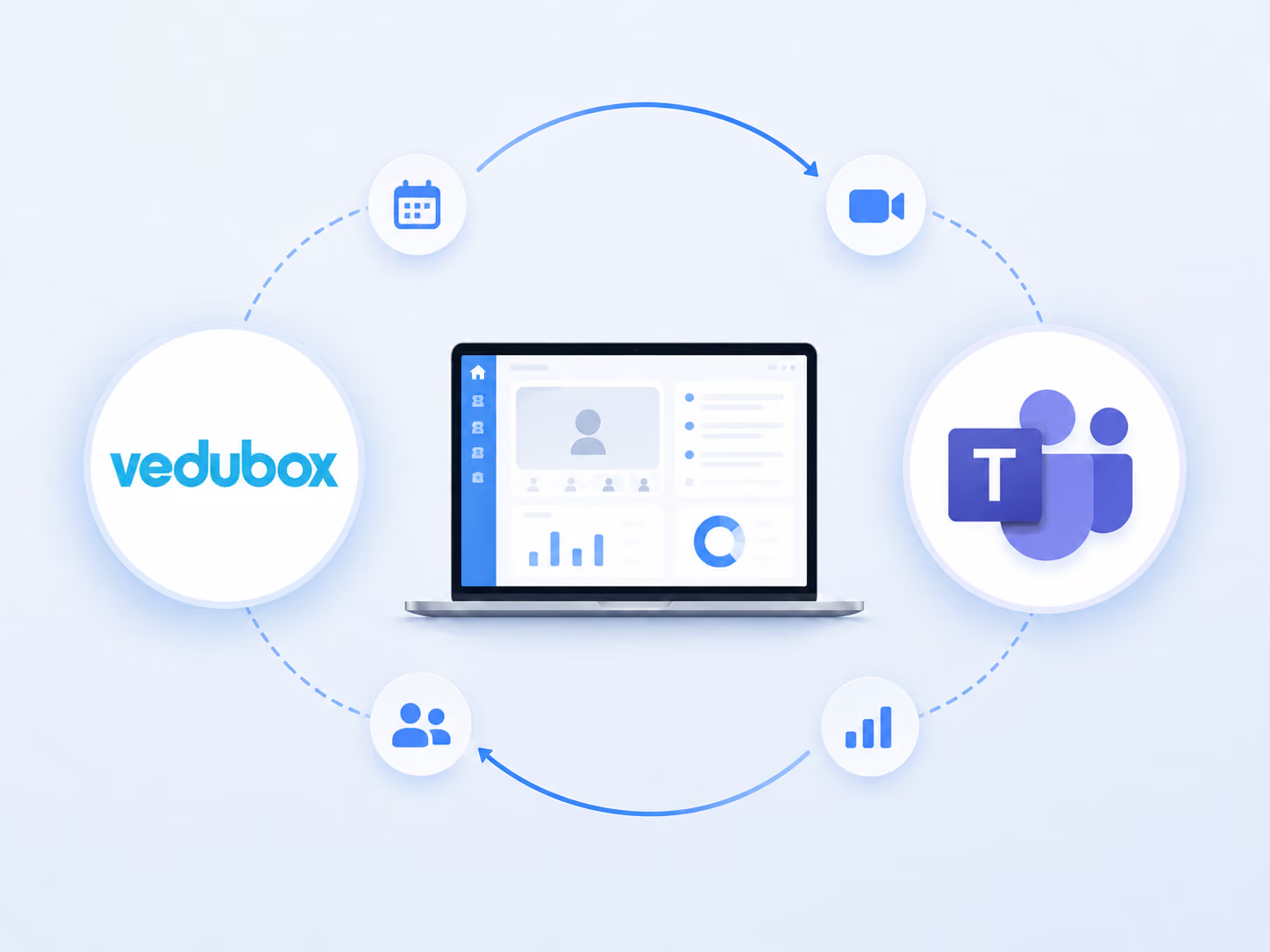
One management centre is enough to coordinate and run corporate meetings and virtual events. Vedubox integrates with Microsoft Teams to embed your secure corporate webinars directly into your learning paths and runs your administrative workflows in the background.

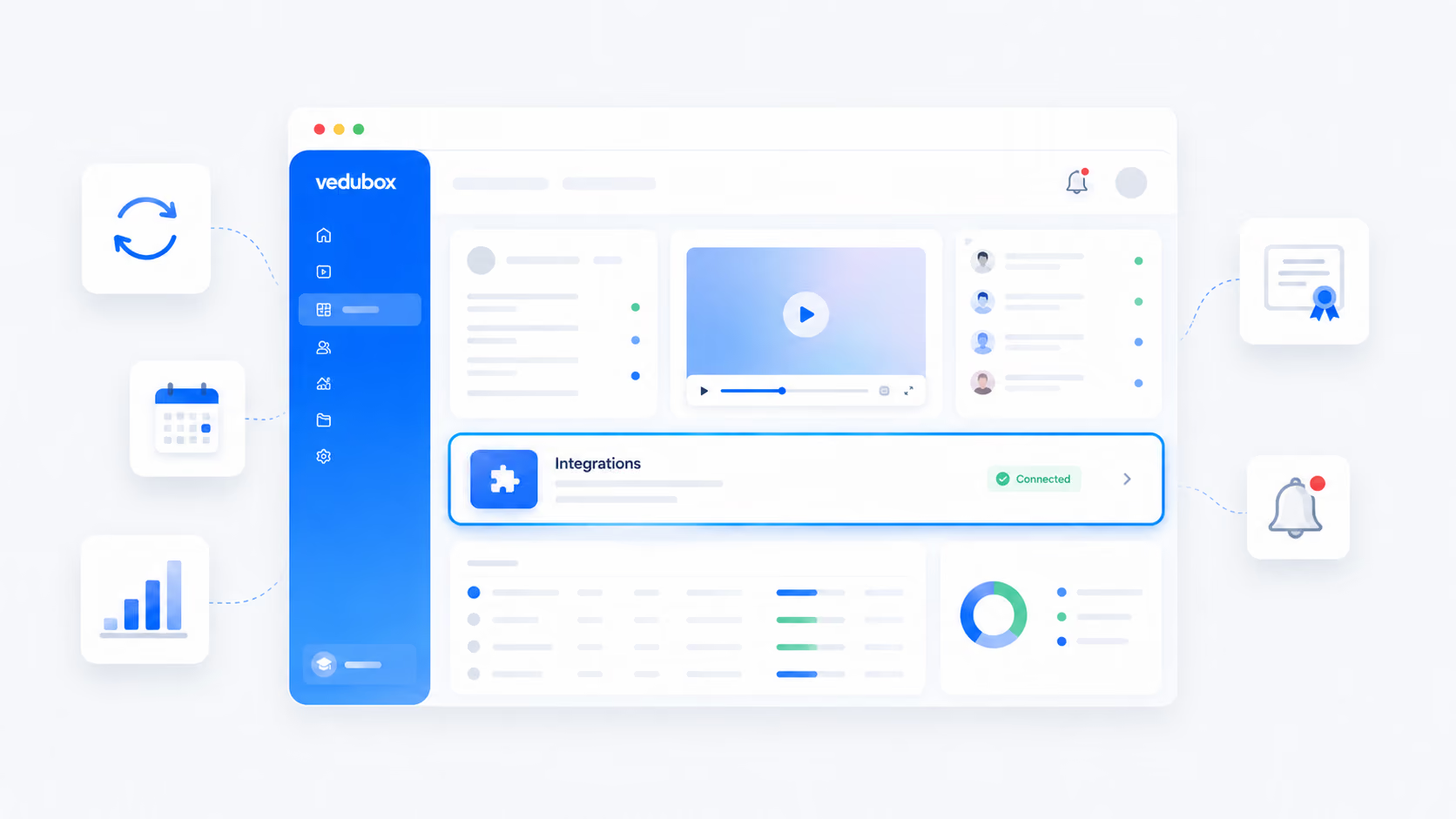
Integration screenshot

Simplify Every Session With the MS Teams Integration

A disconnect between your main internal communication tool and your training application undermines organisational efficiency and business output.

Calendar coordination chaos

Scheduling lessons across separate corporate planners forces administrators into endless copying and pasting of access links and raises the risk of calendar errors.

Gaps in attendance tracking

Tracking user attendance through standalone calls leaves large holes in your training data, creating compliance risk against strict corporate audits or official regulations such as KVKK.

Platform switching barrier

Staff spending ages hunting for the active lesson link in busy message groups or separate email apps breaks the workflow and increases IT support requests.

Automate your lesson scheduling, bring attendance tracking together in one place for audit-ready reporting, and give your team one-click access to every session.

Discover the Power of the Vedubox + MS Teams Integration

Content delivery: your staff can start interactive corporate webinars and video sessions in one click from native portal flows, without switching to an external app.
Workflow automation: when you create a live lesson tier inside the LMS admin panel, the system generates the Microsoft Teams link in the background instantly and updates calendars across the department.
Reporting and analytics: the system records how long active participants stayed in the lesson and matches it to employee profiles, ending the drudgery of keeping manual registers in spreadsheets.
Vedubox screen
Vedubox reporting screen

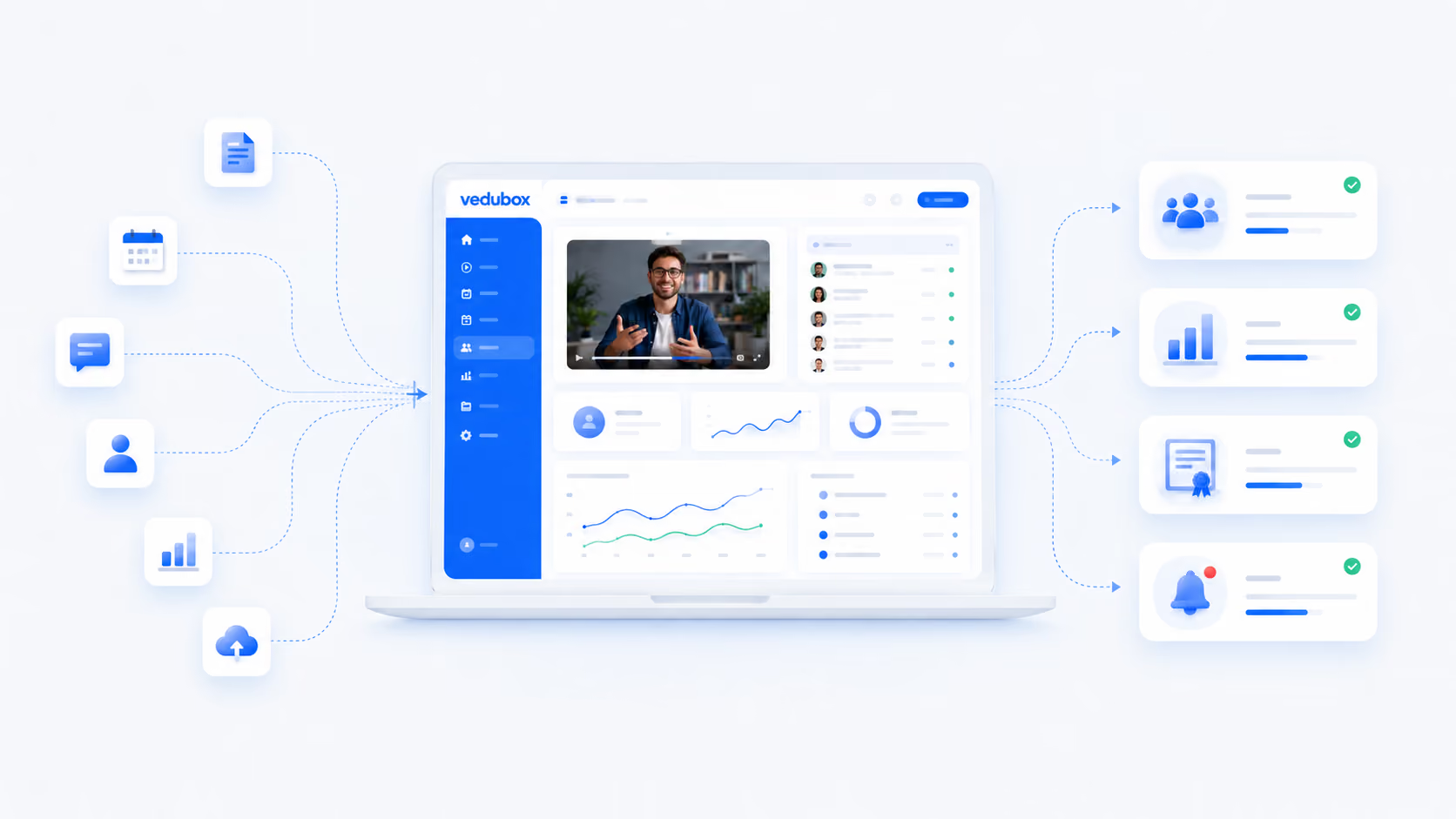
Let attendance and recordings flow into your corporate reports automatically

Net attendance times in the session are matched to the learner record automatically.
Once the lesson recording is processed it is added to the catch-up library automatically.
Attendance reports by department and branch are compiled in an audit-ready format.
Employees who have not completed mandatory training receive automatic reminders.
Learners who meet the completion criteria are issued a certificate automatically.

What to Expect From This Integration

40%
Less workspace administration

According to corporate development reports, connecting core collaboration applications to central tracking networks removes as much as 40% of the administrative burden.

15 hours
Saved every week

Research shows that automating virtual meeting setup and link matching saves digital training administrators up to 15 hours every week.

5%
Points gained in attendance rates

Independent training surveys show that embedding live video features directly into the main employee tracking system clearly lifts overall learner attendance and engagement metrics.

The figures here indicate a typical improvement expectation; they are not a commitment and will vary with your organisation's existing processes.

Frequently Asked Questions

Do employees need to switch between the Teams app and the LMS during a session?

No. The integration places Microsoft's full video screen directly inside our secure web portal. Your staff can interact with slides, ask questions and take part in polls without leaving the training screen.

How does the system handle lesson scheduling for large corporate departments?

When a webinar is scheduled inside the central curriculum builder, the calendars of every user in the target audience update automatically. The platform also sends automatic reminder notifications to users through integrated SMS (Netgsm) and email channels.

Can we use our existing corporate Microsoft 365 security permissions?

Yes. The platform works directly with your existing corporate infrastructure, so your internal data guidelines, information security procedures and confidentiality levels are preserved in full across every training room.

What happens to user attendance data once a Teams session ends?

The integration writes the information into the system automatically. It tracks exactly when each user joined and how long they stayed, and matches those metrics to the main employee record.

Can we record live corporate onboarding sessions so they can be rewatched later?

Yes. Every live event can be recorded natively. The file uploads directly to your portal video library, so new starters can rewatch the content securely whenever they need it.

Can we restrict access to private live streams that contain sensitive internal strategy?

Yes. Portal administrators have precise, granular control over content settings. You can lock particular live sessions or recorded videos to specific roles, departments, job titles or regional branches.

Is it difficult to connect our corporate Microsoft infrastructure to the platform?

Not at all. Thanks to our secure cloud-based deployment, the connection is configured safely in just a few clicks. It needs no local installation or server investment, so you can go live the same day.
Synchronise Your Corporate Classrooms With Vedubox

Join more than 350 leading corporate organisations and over 500,000 active users who rely on Vedubox to run their learning ecosystems cleanly, securely and automatically. Connect your favourite everyday tools natively to your learning ecosystem.

Get a step ahead in your training with Vedubox

Whichever tools you use, Vedubox works seamlessly with all of them.

Round-the-clock technical support

Your system is ready in seconds

Vedubox

LMS

Live Training

Exams

Certificates

Academy