Video Conferencing

Start Your Google Meet Lessons From Inside Vedubox in One Click

Without Disrupting Your Google Workspace Setup

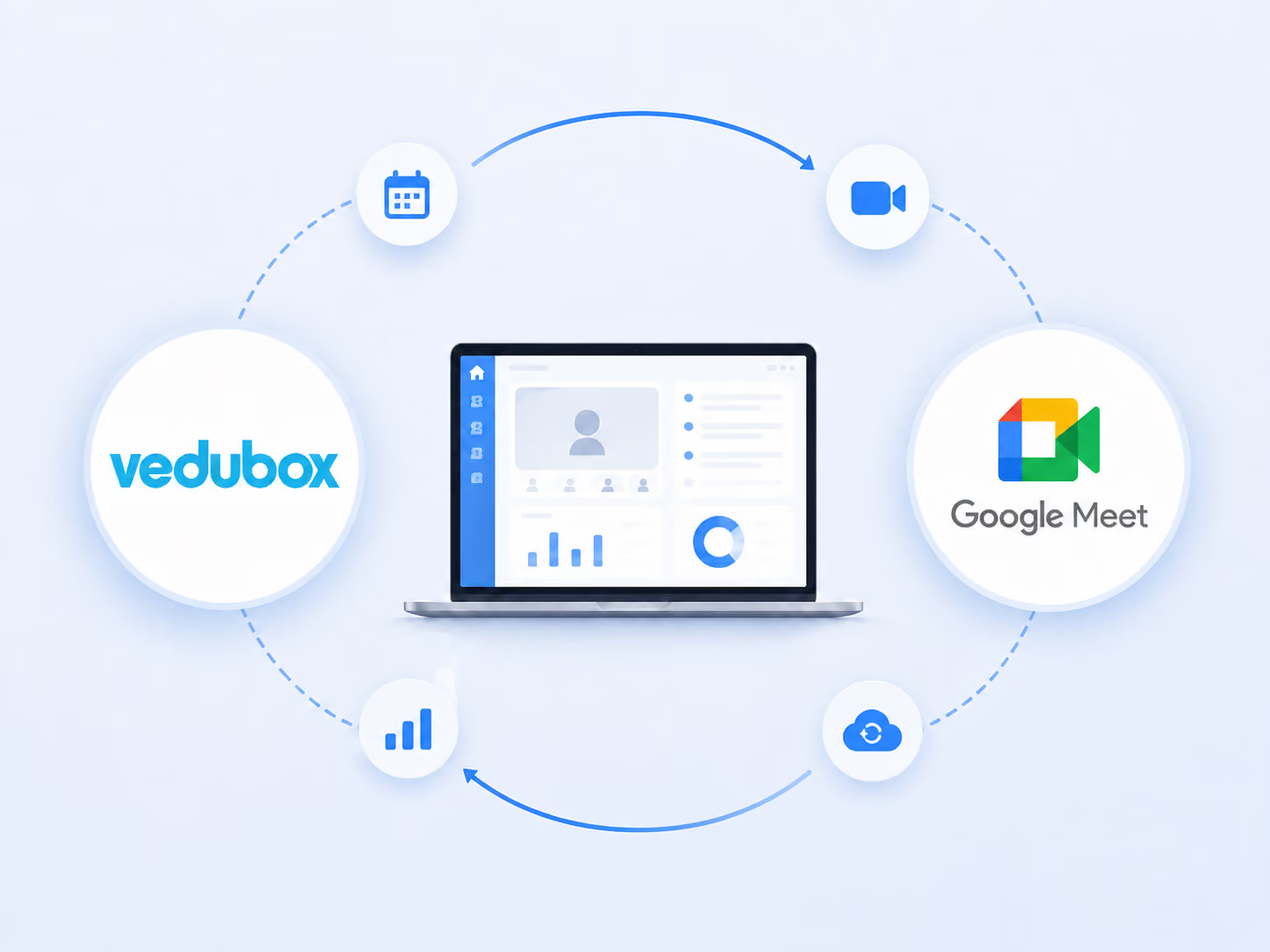
For organisations on Google Workspace the meeting infrastructure is already there; what is missing is the link to the training side. Vedubox integrates natively with Google Meet and brings lesson scheduling, attendance tracking and the recording archive together on one platform.
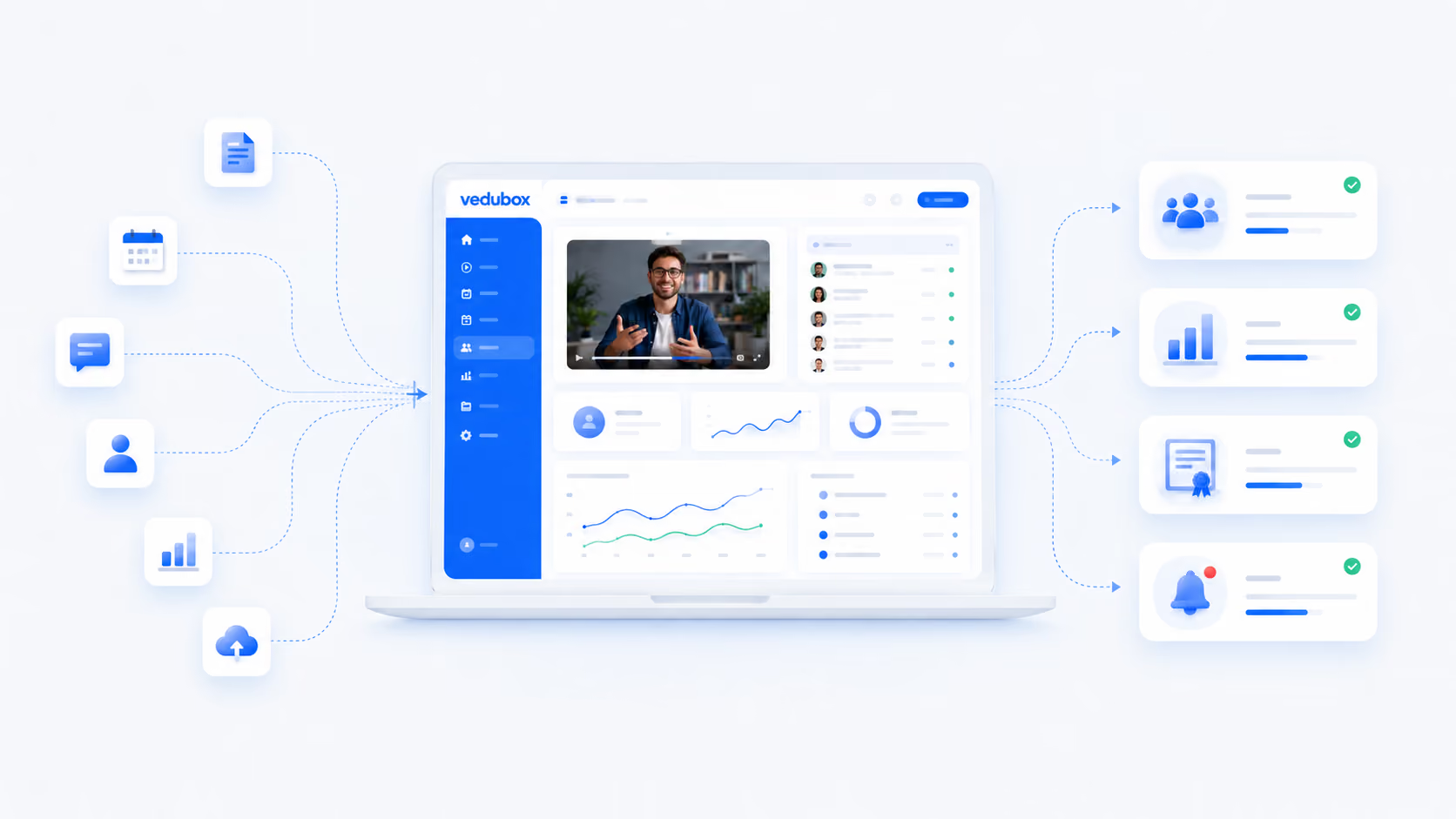
Integration screenshot

When Ready-Made Infrastructure Stops Half Way Into Training

Google Meet solves the meeting need, but on its own it does not cover the record-keeping and tracking side of a training operation.

Calendar and training drift apart

When lessons sit in Google Calendar and training content sits in another system, learners struggle to keep track of which lesson to join and from where.

Attendance kept by hand

Listing attendance from a Meet session by hand means both wasted time and record-keeping errors.

Recordings stored all over the place

Lesson recordings scattered across Drive folders make it hard to get the right recording to the right learner.

The Vedubox + Google Meet integration brings lesson scheduling, attendance and the recording archive together in one training flow without disrupting your Google Workspace setup

Create the Meet session together with the lesson plan

When you schedule a lesson in Vedubox, the Google Meet session opens automatically.
Learners join the lesson with a button in their learning path; no hunting for links.
When lesson details change, learner calendars and notifications update automatically.
Vedubox screen
Vedubox reporting screen

Let attendance and recordings handle themselves

Attendance times are matched to the learner record automatically.
The lesson recording is added to the catch-up library automatically.
Attendance and completion reports are pulled from a single screen.
Learners who miss a lesson receive automatic reminders.
Learners who meet the completion criteria are issued a certificate automatically.

What to Expect From This Integration

50%
Less lesson scheduling workload

Having the Meet session created automatically with the lesson plan removes the job of updating the calendar and the training system separately.

60%
Time saved on attendance records

Recording attendance times automatically wins back the time lost to keeping registers by hand.

25%
Higher lesson completion rate

Learners joining the lesson from inside the learning path, without hunting for a link, lifts attendance and completion metrics.

The figures here indicate a typical improvement expectation; they are not a commitment and will vary with your organisation's existing processes.

Frequently Asked Questions

Can it be used without a Google Workspace account?

Google Meet sessions are created through your organisation's Google account. If you do not use Workspace, the Zoom or Microsoft Teams integrations provide the same workflow.

Are lesson recordings added to the platform automatically?

Yes. When the session ends the recording is processed and added to the catch-up library, so learners can watch a lesson they missed from their own learning path.

How detailed is the attendance data?

The net time each learner spent in the session, join and leave times and attendance status are recorded, and this data is used when assessing completion criteria.

How long does setup take?

The integration is activated by authorising your Google account from the admin panel and can go live the same day; no extra IT project is required.

Automate Your Live Lessons With Vedubox + Google Meet

Join more than 350 corporate organisations who rely on Vedubox to run their learning ecosystems cleanly, securely and automatically. Connect the tools you use every day natively to your learning ecosystem.

Get a step ahead in your training with Vedubox

Whichever tools you use, Vedubox works seamlessly with all of them.

Round-the-clock technical support

Your system is ready in seconds

Vedubox

LMS

Live Training

Exams

Certificates

Academy