Content and Video

Connect Google Drive to Your LMS

For Instant, Effortless Content Updates

Storing and organising your training and teaching materials can be far easier than it is. Connect Google Drive and Vedubox and manage your content with much less friction.
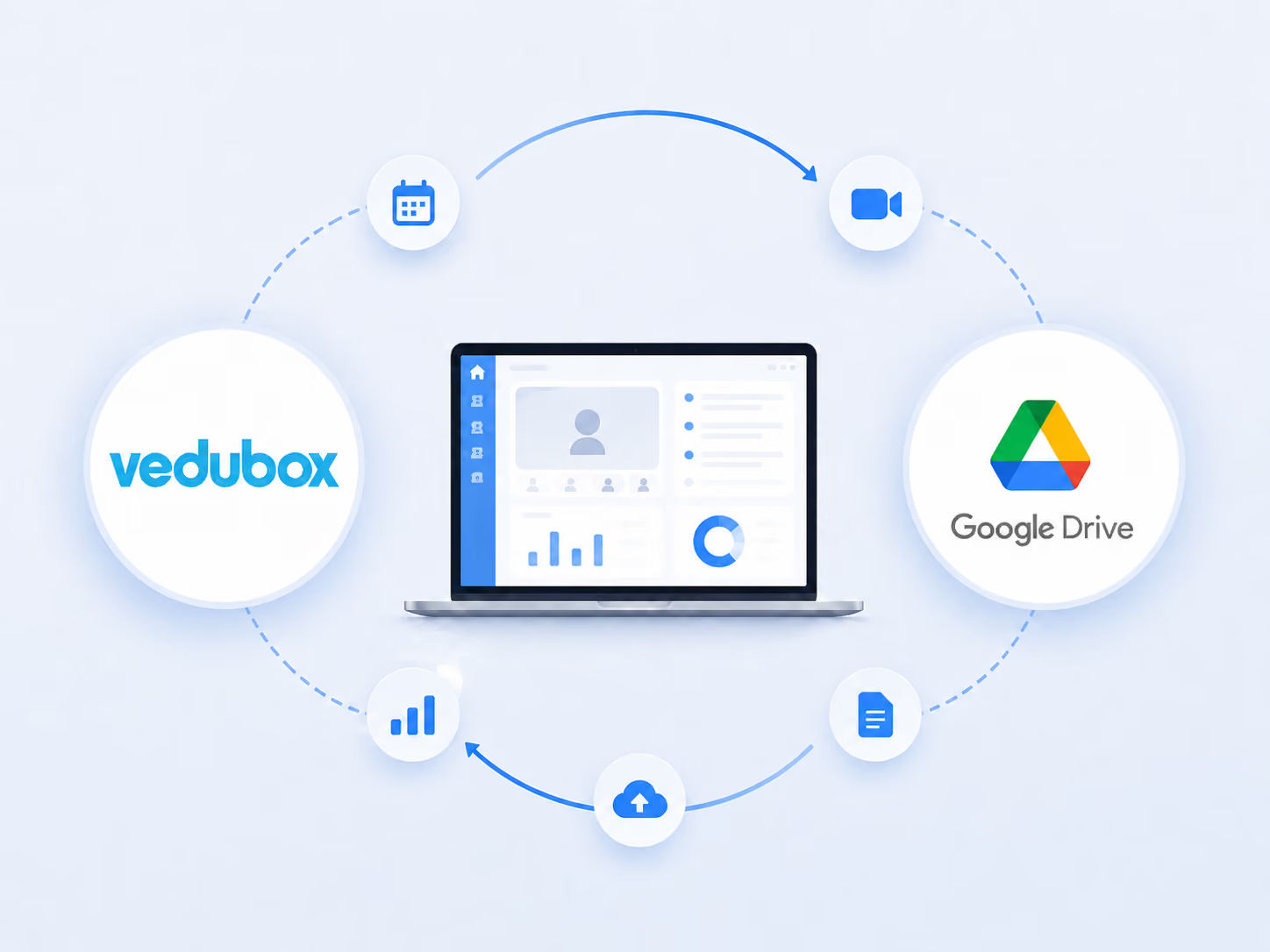
Integration screenshot

Unify Your Workflow With the Google Drive Integration

Moving your training files from cloud to local and back wastes time and drags down the productivity of both your team and your training.

Content upload overhead

Shifting enormous manuals, video guides and presentations between platforms wastes technical resources and valuable staff time every week.

Training materials and compliance

When you update a training manual on your cloud drive, old versions staying live on the LMS increases risk during inspections by KVKK, SHGM, the Ministry of Health or other relevant official bodies.

Problems reaching resources

Broken links and incompatible file types stop the learning process dead, knocking employee motivation and increasing the IT support team's workload.

Remove manual file transfers and compliance risk immediately. Our Google Drive integration synchronises your documents so your team reaches content without a hitch.

Discover the Power of the Vedubox + Google Drive Integration

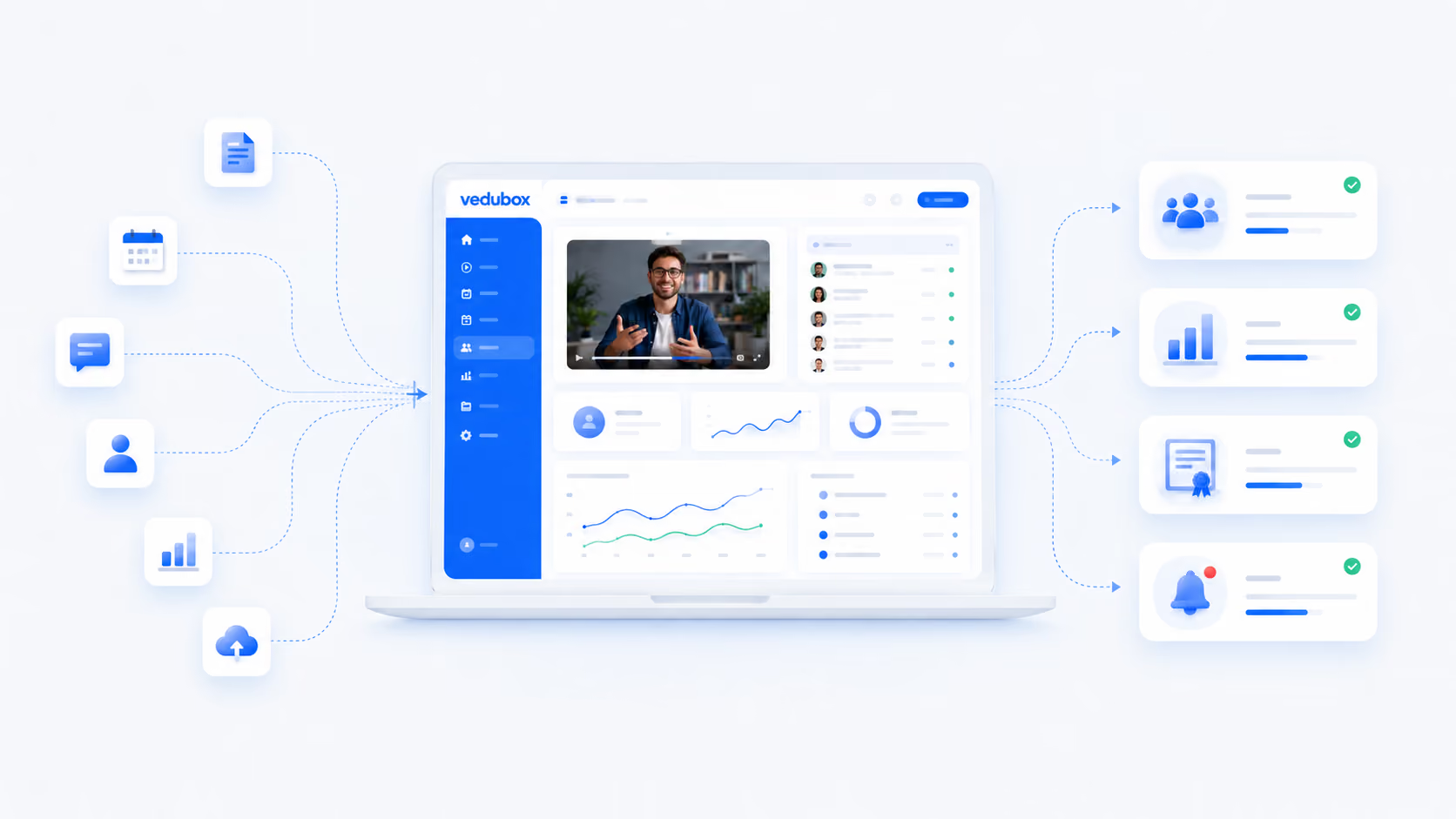
Content creation: trainers can pick files on the cloud drive and map them straight to lessons, without downloading a single gigabyte to a local drive.
Content delivery: learners can view presentation slides, reference materials and corporate manuals directly in the lesson player window.
Workflow automation: updating a document on your shared drive reflects those changes into your active LMS paths instantly and automatically.
Vedubox screen
Vedubox reporting screen

Keep permissions and tracking at the centre

Access to content is governed by the training platform's permission rules.
Which learner viewed which document is reported.
Content visibility can be restricted by department and group.
Learners can be notified when documents are updated.
Completion can be tracked on documents that require mandatory reading.

What to Expect From This Integration

60%
Time saved on content operations

Research shows that integrating cloud storage directly into business applications cuts file management time and administrative tasks by up to 60%.

30%
Lower internal support cost

Automating resource availability and fixing broken access paths reduces support requests about platform access and content delivery by 30%.

25%
Productivity gain in team collaboration

Real-time document synchronisation lets distributed training networks co-author training modules and publish them 25% faster than on legacy systems.

The figures here indicate a typical improvement expectation; they are not a commitment and will vary with your organisation's existing processes.

Frequently Asked Questions

Do users need a separate Google Workspace licence to view Drive files inside the LMS?

No. The integration places your training materials smoothly into the native portal player. Learners need no external or paid account to view your slides, documents and spreadsheets.

What happens to the file in the LMS when I edit a document inside Google Drive?

The link updates automatically. Because the asset stays natively connected to your cloud storage account, any text edits or revisions you save appear in the learner panel immediately.

Can we control file access permissions across different employee groups?

Yes. You can set precise permission rules inside your curriculum builder, making it very easy to open or restrict particular cloud documents to specific teams, departments, dealers or paying customers.

Does the integration support large file sizes and video formats?

Yes. Using cloud storage infrastructure means you can host high-resolution guides, heavy PDFs and video assets without straining your local server space or hitting system bandwidth slowdowns.

How does this system help teams in regulated sectors stay audit-ready at all times?

It stops version confusion immediately. By relying on a single current master file on your drive, you completely remove the risk of users reading outdated safety materials or superseded regulatory guidance.

Can trainers connect shared team folders directly to the course builder?

Yes. Content managers with permission can pull files from private folders or corporate shared drives. That makes collaboration easier and speeds up how quickly lessons get published.

Is it difficult to connect my Google Drive account to the platform?

Absolutely not. The connection is configured securely over our cloud infrastructure in just a few clicks. There is no complicated setup process, so you can synchronise your training library the same day.

Centralise Your Training Assets With Vedubox

Join more than 350 leading corporate organisations and over 500,000 active users who rely on Vedubox to run their learning ecosystems cleanly, securely and automatically. Connect your favourite everyday tools natively to your learning ecosystem.

Get a step ahead in your training with Vedubox

Whichever tools you use, Vedubox works seamlessly with all of them.

Round-the-clock technical support

Your system is ready in seconds

Vedubox

LMS

Live Training

Exams

Certificates

Academy